How to Cast Football When Your Smart TV Doesn't Have the App
When the licensed service has no app for your TV, try its approved cast control first. CastBrowser can send an authorized compatible non-DRM web stream to a supported receiver; protected matches stay in the broadcaster's app.
Open your authorized compatible stream, tap Cast, and choose your TV.
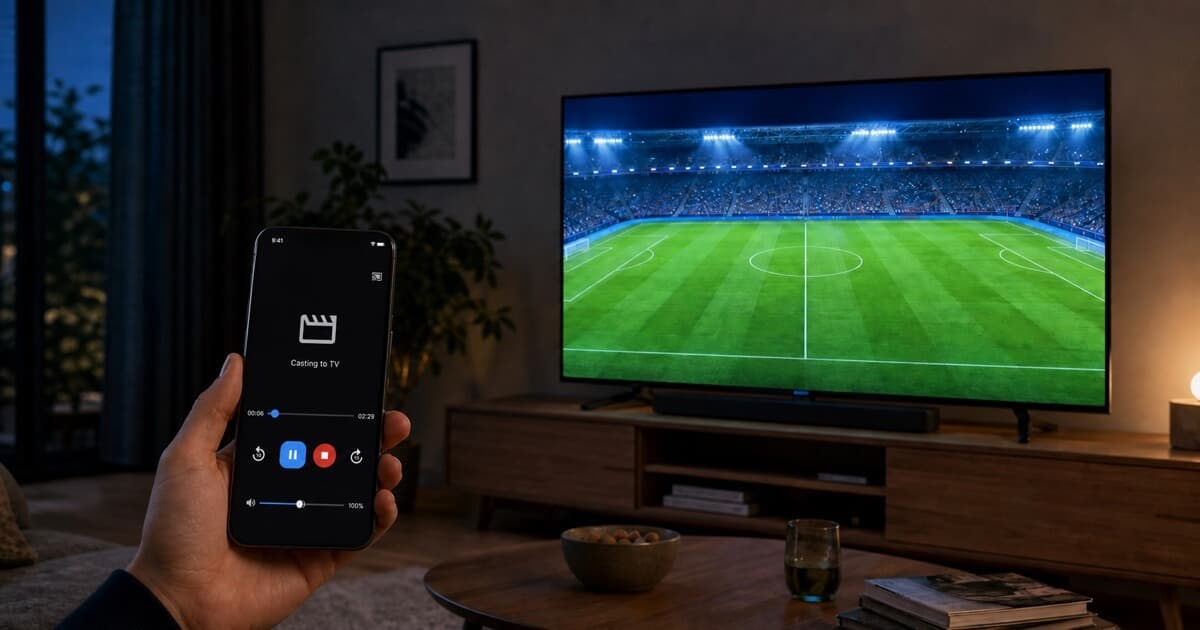
Quick Answer When the TV App Is Missing
Check the licensed service's supported devices first. If it offers a compatible non-DRM web player, open the authorized stream in CastBrowser and choose the receiver built into or connected to your TV; if it requires DRM, use the official app or a supported device.
For the complete setup, use the canonical three-step football casting guide.
Why the Broadcaster App May Be Missing
Football rights and app support vary by country, competition, TV operating system, and model year. A licensed service may support Samsung Tizen but not LG webOS, or Google TV but not an older television. An app can also disappear when a provider changes its device policy. Check the provider's current supported-device page before assuming the TV itself is incompatible.
Use This Missing-App Decision Order
- Confirm the licensed provider. Use the competition organizer's official broadcaster information and verify that your account includes the match.
- Look for the provider's native TV app. This is the best route for DRM-protected live video.
- Try the provider's own cast button. Use its approved Google Cast or AirPlay control when offered.
- Test CastBrowser for compatible non-DRM web video. Open the authorized stream in your account, tap Cast, and choose a receiver your TV exposes.
- Add an approved streaming device if necessary. If the service requires protected playback, use a Chromecast, Roku, Fire TV, Apple TV, or other device listed by that provider.
Choose the Route Your TV Actually Supports
| TV setup | Try in this order | Detailed guide |
|---|---|---|
| Samsung Tizen | Provider app, provider cast control, then a compatible DLNA or Web Receiver route. | Samsung TV |
| LG webOS | Provider app, supported AirPlay, then a compatible DLNA or Web Receiver route. | LG TV |
| Android / Google TV | Provider app, built-in Google Cast, or the CastBrowser TV Cast Receiver where appropriate. | Android TV |
| Roku or Fire TV | Provider app first; use a documented CastBrowser receiver only for compatible authorized video. | Roku / Fire TV |
| TV with a modern browser | Test the Web Receiver only when the browser, network, and authorized video are compatible. | Web Receiver |
Brand names alone cannot guarantee support: Samsung, LG, Sony, Hisense, TCL, and Philips use different receivers across models and regions. Competition dates and official broadcaster finders change every season, so check the competition's own site or your broadcaster's schedule rather than a third-party list. Which streams are authorized explains how to tell.
Already have authorized access? Install CastBrowser and test the exact stream and TV receiver before matchday.
When CastBrowser Is the Right Fallback
CastBrowser is useful when you already have a legal stream, the provider permits browser playback, the video is not restricted to a DRM player, and your TV exposes a compatible receiver. Start the video in your authorized account, select the detected source, and choose the TV. Playback still depends on the source URL, format, codec, network, and receiver—not only on whether the app detects a video.
For Google TV or Android TV, you can also install the official CastBrowser TV Cast Receiver. If the service requires its own protected player, stop there and use its approved app or device; CastBrowser does not unlock or supply the match.
DLNA vs Web Receiver vs Screen Mirroring
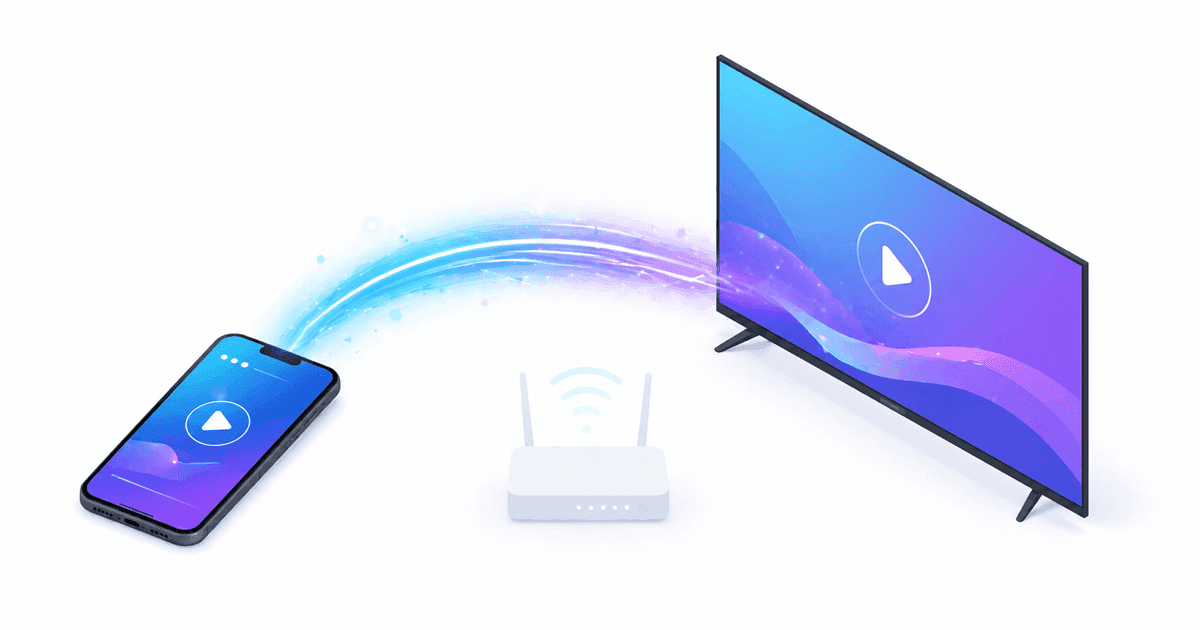
Choose a route based on what the exact TV, network, and licensed service support.
| Method | When to use | Quality | Latency |
|---|---|---|---|
| DLNA | A supported TV that exposes a compatible media renderer | Depends on source and codec | Depends on source and network |
| Android TV Receiver | Android TV or Google TV with the CastBrowser receiver installed | Depends on source and device | Usually low, not guaranteed |
| Web Receiver | A TV browser that can run the receiver and reach the video | Depends on browser support | Depends on network |
| Screen mirroring | Only when the licensed service explicitly permits it; protected apps may block it | May be compressed | May add delay |
Prefer the licensed service's native TV app or approved cast control for protected football. Use CastBrowser for compatible authorized non-DRM video. Screen mirroring is not a DRM workaround and may be blocked, add delay, use more battery, or expose notifications.
Web Receiver — When the TV App Store Has Nothing
If your TV has a compatible modern browser, open castb.cc, enter the code shown in CastBrowser, and test the authorized video. Browser availability and media support vary by TV, console, projector, and hotel network, so treat this as an option to test rather than a universal fallback.
Troubleshooting
- Use a reachable local network: the phone and TV must be able to communicate. They can use different Wi-Fi bands when the router bridges them correctly; guest Wi-Fi, client isolation, and separate VLANs can block discovery.
- Check VPN and privacy settings: some VPN or local-network permission settings hide receivers. Changing these settings should never be used to evade territory restrictions.
- Enable the receiver: follow the TV maker's instructions for Google Cast, AirPlay, DLNA, Roku, or browser access on your exact model.
- Start the video first: let the live football stream begin playing in CastBrowser before you tap cast. Detection is most reliable once the player is active.
- Separate access from compatibility: an entitlement or DRM error belongs in the provider's approved app. A format, codec, or temporary-URL failure may require a different supported receiver.
- Buffering: improve signal strength, reduce network congestion, or test another receiver mode supported by your setup. No route can remove latency already present in the source stream.
Frequently Asked Questions
How can I watch Premier League matches on a Samsung or LG TV without the broadcaster's TV app?
First, check whether your official Premier League broadcaster offers a Samsung Tizen or LG webOS app. If it does not, install CastBrowser on iPhone or Android, open the broadcaster's authorized compatible web stream, tap the cast icon, and select your Samsung or LG TV. CastBrowser can send supported non-DRM streams through DLNA, AirPlay, or Google Cast. If the match is DRM-protected, use the broadcaster's official mobile app and its supported casting option instead.
Can I watch Champions League games on a Smart TV without a Chromecast?
Yes, when your authorized Champions League stream is compatible with a receiver built into the TV. CastBrowser can connect directly to many Samsung, LG, Sony, Hisense, TCL, and Philips TVs through DLNA, AirPlay, Google Cast, Roku, or the Web Receiver, so a separate Chromecast is often unnecessary. Install CastBrowser, open the official broadcaster's compatible web player, and choose your TV. DRM-protected games must stay in the broadcaster's own app and use its supported casting feature.
Can I cast live football to my Smart TV without Chromecast?
Often, yes. Many Samsung, LG, Sony, Hisense, TCL, and Philips Smart TVs provide DLNA, AirPlay, Google Cast, Roku, or another compatible receiver. Open an authorized compatible football stream in CastBrowser, tap the cast icon, and select the TV. The available method depends on the TV model and operating system. DRM-protected matches must be played through the broadcaster's official app and supported casting option.
How do I cast live football to a Samsung TV?
Install CastBrowser on Android or iPhone, connect the phone and TV to the same reachable local network, and open your authorized compatible stream. If the Samsung TV exposes a receiver CastBrowser supports, tap the cast icon and select it. Availability depends on the exact Tizen model, receiver settings, video format, and service. Use the broadcaster's approved app or device for DRM-protected matches.
Does LG webOS support casting live football?
Many LG webOS televisions expose AirPlay, DLNA, or another compatible receiver, but support varies by model and region. Open an authorized compatible stream in CastBrowser, check whether the TV appears, and test playback before kickoff. Quality and delay depend on the source, network, format, codec, and receiver. Use the licensed service's official app for protected video.
Can I cast football to a Sony Bravia or Google TV?
Many Sony Bravia, Android TV, and Google TV models offer Google Cast, DLNA, or support for the CastBrowser TV Cast Receiver. The available route depends on the specific television and its software. Select the receiver CastBrowser discovers and test the authorized compatible video; use the broadcaster's approved app or native casting control when DRM is required.
Do Hisense, TCL and Philips Smart TVs work?
Some Hisense, TCL, and Philips televisions work through Google Cast, DLNA, Roku, or the CastBrowser Web Receiver. These brands use different operating systems by model and country, so check the exact TV rather than the brand alone. If no compatible receiver is available, use the licensed provider's TV app or a streaming device it officially supports.
What's the difference between DLNA, Chromecast and screen mirroring?
DLNA and Google Cast can let a compatible receiver play video while the phone acts as the controller. Screen mirroring reproduces the phone display and can use more battery, expose notifications, or add delay. None of these routes guarantees source quality or zero latency: results depend on the authorized source, network, format, codec, and receiver. Use only playback methods the licensed service permits.
Why doesn't my Smart TV show up in CastBrowser?
Confirm that the phone and TV can reach each other on the same local network. Guest Wi-Fi, client isolation, VLANs, some VPN configurations, or a disabled receiver can prevent discovery even when both devices show the same Wi-Fi name. Restart the devices, enable the receiver described by the TV manufacturer, and test again. The devices do not have to use the same 2.4 GHz or 5 GHz band when the router bridges both bands correctly.
Why won't a DRM-protected football stream cast?
Some licensed broadcasters require protected playback inside their own player or approved device. CastBrowser cannot bypass DRM. It can handle supported non-DRM formats only when the video can be detected and the chosen receiver can fetch and decode it; a stream being non-DRM does not by itself guarantee compatibility. For protected matches, use the broadcaster's official app and supported TV or casting control.
Looking for the broader phone-to-TV pillar? Read how to cast live football to any TV from your phone for the full multi-protocol guide covering Chromecast, AirPlay, Roku, and Fire TV.
Set Up Your Smart TV Before Kickoff
Get CastBrowser free and test your Samsung, LG, Sony, Hisense, TCL, or Philips TV for the 2026–27 Premier League, Champions League, LaLiga, Bundesliga, and more.