What Is the Casting Website on My TV?
Your TV is showing a website with a QR code or a box asking for a code. It is usually a screen-casting page, waiting for a phone to connect. Here is how to tell which one it is and what to do next.
The short answer
It is a casting receiver: a web page that waits for a phone to pair with it so the phone can show a video or its screen on the TV. Nothing appears on the TV until someone pairs, and the page cannot see your phone by itself.
- To use it: follow the code on the screen (the table below shows which device it goes on).
- To get rid of it: switch the TV input or close the TV's browser.
- Never type a password or card number into a casting code box.
Want to cast a compatible web video? CastBrowser is free, no account needed.
Which casting website is it?
Look at the address on the TV, not just the logo. Checked October 24, 2026:
| Website | What it is | Where the code goes |
|---|---|---|
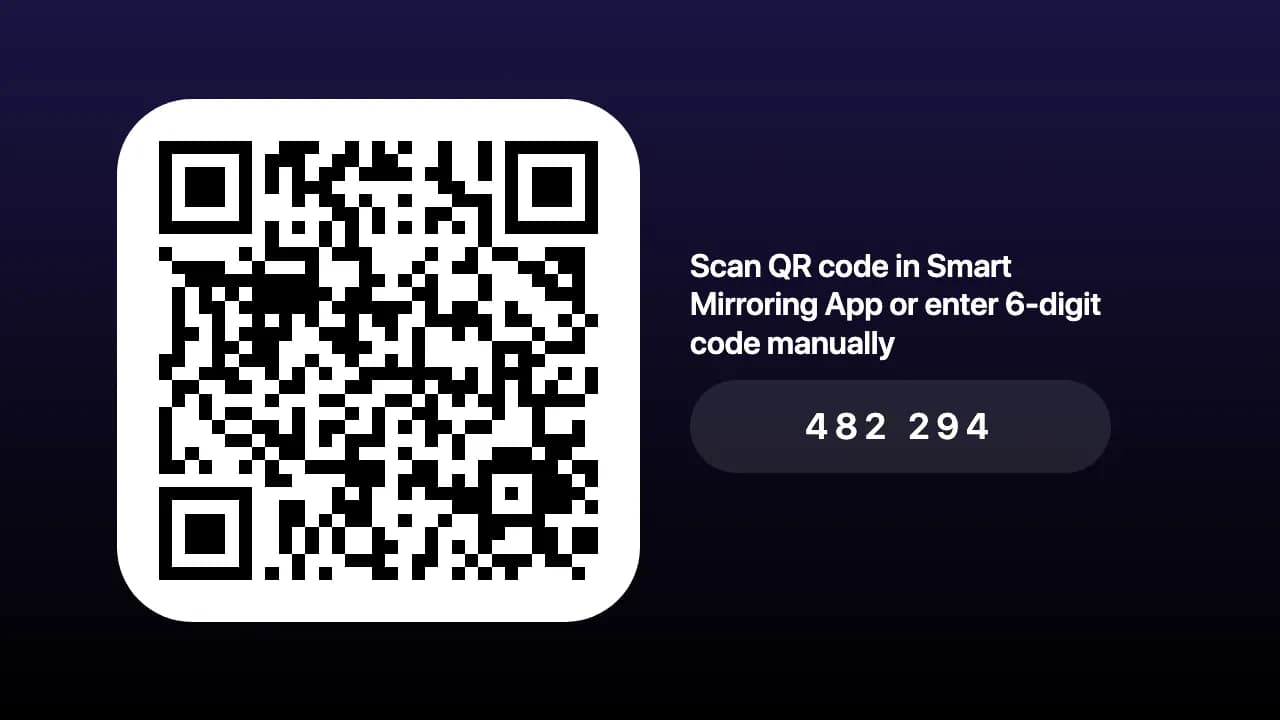
| smmr.tv | Receiver for the Smart Mirroring app | TV shows the code → enter it in the phone app |
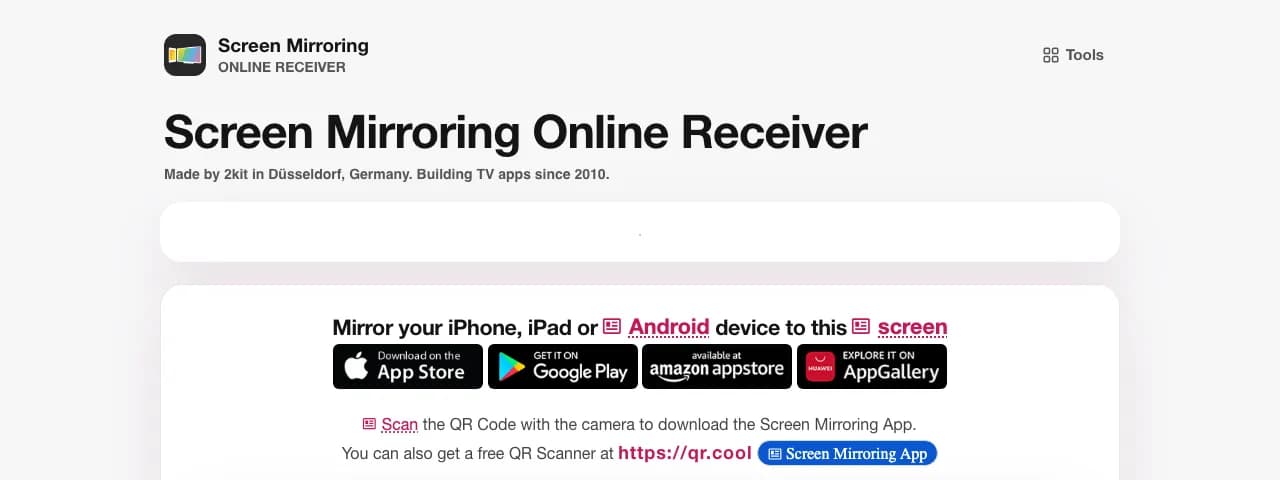
| tvee.app | Receiver for 2kit's Screen Mirroring app | TV shows the code → enter it in the phone app |
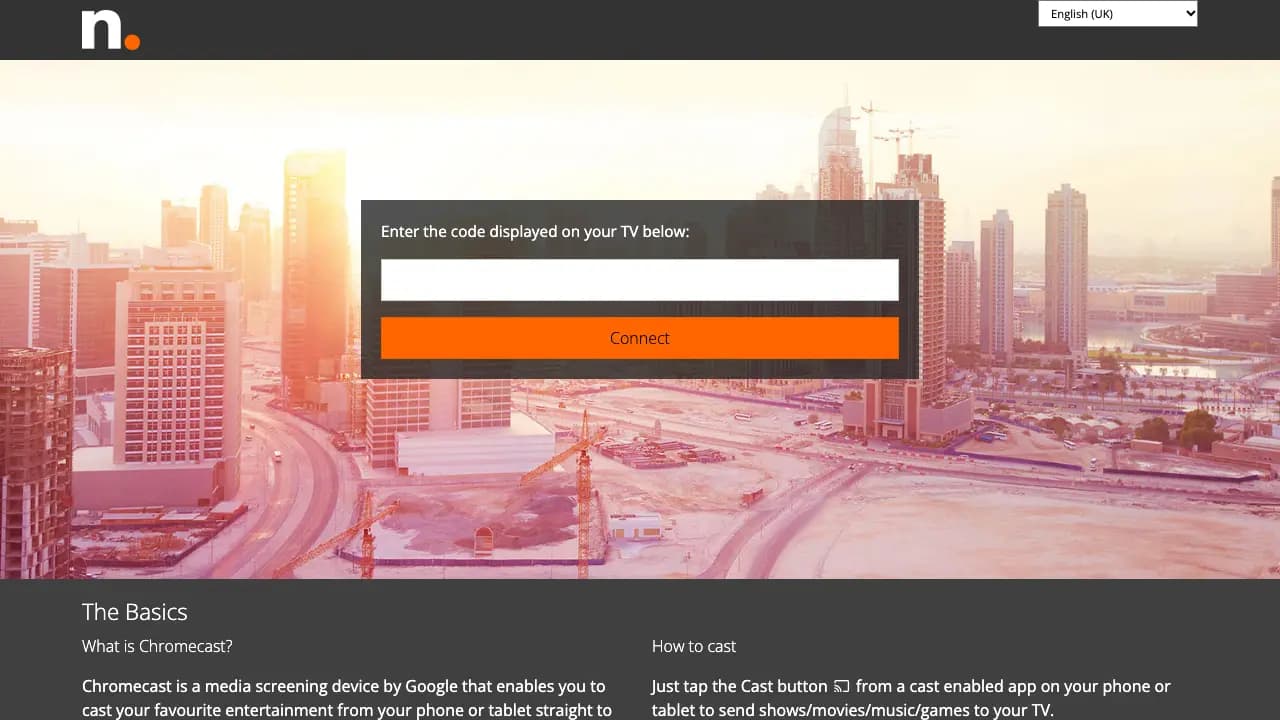
| cast2.tv | Hotel room Chromecast setup | TV shows the code → type it into cast2.tv on your phone |
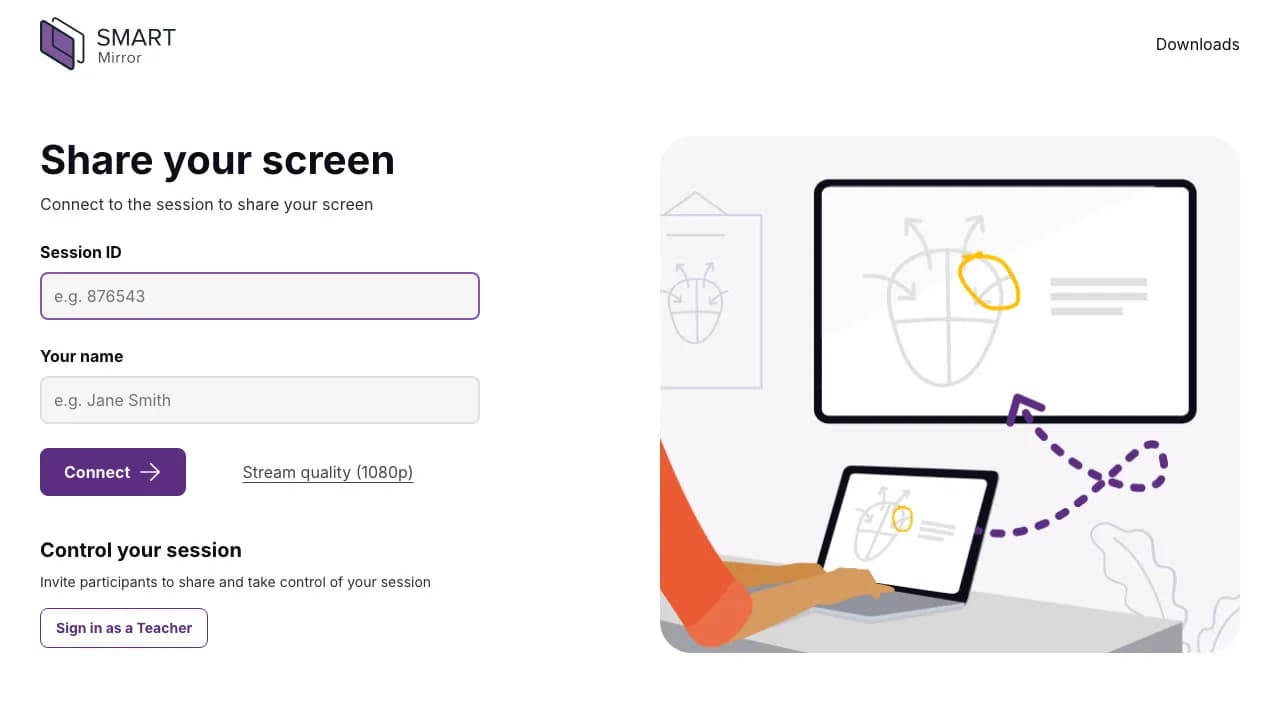
| smartmirror.link | Classroom screen sharing, not a TV receiver | You enter a Session ID from your teacher or host |
| getstream2.live / getstream3.live | Sports streaming listings, not a TV receiver | No pairing code |
Fixing a specific one? See the GetStreaming.tv guide or the Cast2TV guide.
What each one looks like
Match your screen to one of these.
smmr.tv
tvee.app
Cast2.TV
smartmirror.link
Did something get installed on my TV?
Usually not. These are web pages, often opened from a hotel welcome screen or the TV's own browser. If a TV app is showing it, its name will be on screen. Switching the input or closing the browser takes you back to normal TV.
Which device gets the code?
There are two directions, and mixing them up is the most common reason pairing fails:
- The TV shows the code, you type it on your phone — smmr.tv, tvee.app and Cast2.TV.
- Your phone shows the code, you type it on the TV — CastBrowser's Web Receiver at castb.cc.
A code only works with the service that made it. A code from one site will not work on another.
Is it safe?
Pairing is safe when you follow three rules:
- A pairing code is not a password. Never type an account password, a verification code or a card number into a casting page.
- Pair with the TV in front of you. In a hotel, make sure the code came from the TV in your own room.
- Mirroring shows everything. If you share your whole screen, the room sees your notifications too. Disconnect in the app when you leave.
I just want my video on the TV
CastBrowser finds the video on a website and sends just that video to the TV, so the TV shows the video, not your screen. It does not mirror your whole screen and does not bypass DRM.
- Open the video website in CastBrowser on your phone and start the video so it can be detected.
- Keep the phone and the TV on the same Wi-Fi. Open the Web Receiver setup in CastBrowser.
- Open castb.cc in the TV's browser. Your phone shows a three-character code; type it on the TV. On some networks the app shows a longer code instead — type that one.
- Allow playback if asked, then pick the browser receiver in CastBrowser.
The Web Receiver guide covers this step by step. A TV receiver app is a separate option, explained in the Android TV guide.
When it is not working
Once you know which service it is, the hotel TV casting guide has the fixes for pairing and Wi-Fi problems.
Cast a Compatible Web Video
Open your video in CastBrowser and choose a supported receiver — free, no account needed.