How to Cast European Football to Your TV From a Phone
Already have legal access? Find the official broadcaster for your competition and country, then open a compatible authorized stream in CastBrowser and choose a supported TV receiver. This hub covers eight major European competitions without republishing fixtures or linking to unauthorized streams.
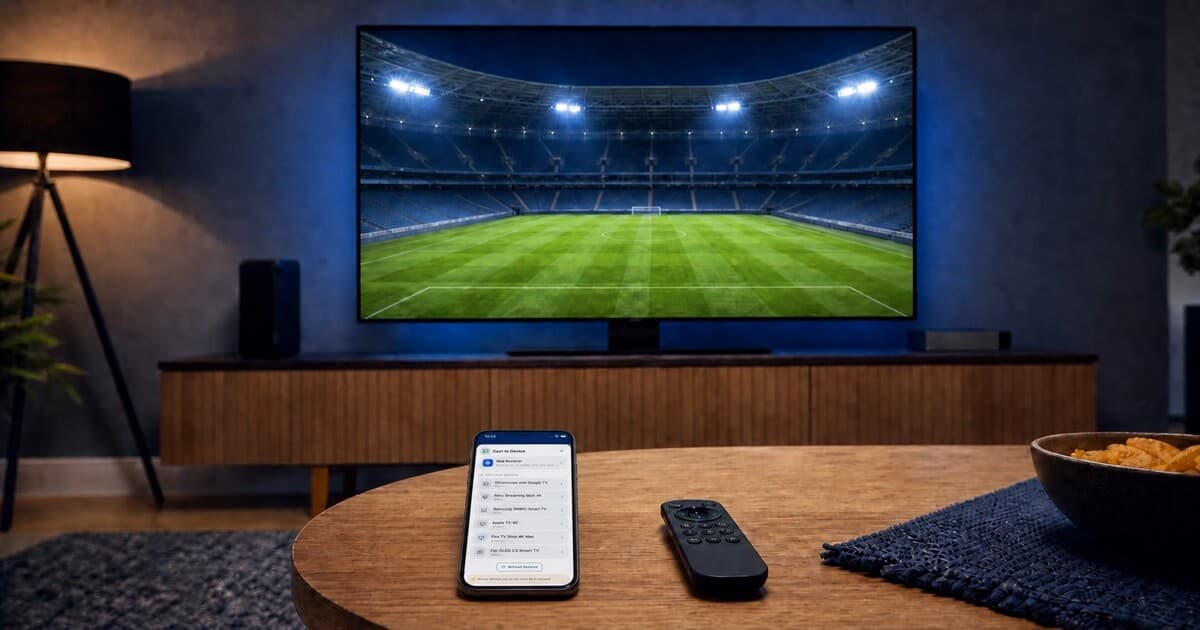
Open your authorized compatible stream, tap Cast, and choose your TV.
2026/27 Season: August to Early June
The 2026/27 European club season runs from August 2026 into May and early June 2027. The major domestic leagues begin in August and finish in May. UEFA league phases begin between September and October; the final UEFA matches take place from late May through June 5, 2027. Dates below come from the competition organizers and were checked on August 15, 2026. Use their current pages for later changes.
| Competition | 2026/27 window | Official season source |
|---|---|---|
| Premier League | August 21, 2026–May 30, 2027 | PremierLeague.com |
| La Liga | Begins August 15, 2026 | LaLiga.com |
| Serie A | August 22–23, 2026–May 29–30, 2027 | Lega Serie A |
| Bundesliga | August 28, 2026–May 22, 2027 | Bundesliga.com |
| Ligue 1 | August 21, 2026–May 29, 2027 | LFP.fr |
| Champions League | League phase September 8–10; final June 5 | UEFA.com |
| Europa League | League phase September 16–17; final May 26 | UEFA.com |
| Conference League | League phase October 15; final June 2 | UEFA.com |
Choose by Country, Competition, and Device
Broadcast rights are territorial. The service carrying a competition in the United Kingdom may differ from the provider in the United States, Brazil, Germany, France, Spain, Italy, or Morocco. Some countries divide one league between multiple providers, and an account may include only part of the schedule. Start from the organizer's official source, identify the licensed provider for your location, and confirm the match is included in your plan.
In the United States, viewers often search for soccer rather than football. The authorization and casting checks are the same: confirm the U.S. rights holder for the competition, verify that your plan includes the match, and use only the playback route that provider supports.
Next, check the service's supported-device page. Use its Smart TV app when available, or its own Chromecast or AirPlay button. If the TV app is absent and the authorized web player exposes compatible non-DRM video, CastBrowser may send it to the TV. Read how legal football streaming and DRM work before choosing that route.
| Competition | Official broadcaster source | What to check |
|---|---|---|
| Premier League | Worldwide rights holders | Select the provider licensed for your country. |
| Champions League | UEFA where-to-watch page | Confirm territory and competition stage. |
| La Liga | La Liga country selector | Choose your country and verify the match listing. |
| Serie A | Lega Serie A | No universal country selector is published; verify your local licensed provider. |
| Bundesliga | Bundesliga broadcaster selector | Select your region and re-check near kickoff. |
| Europa League | UEFA match calendar | Use the current match entry when UEFA publishes 2026/27 partner details. |
| Conference League | UEFA match calendar | Use the current match entry when UEFA publishes 2026/27 partner details. |
| Ligue 1 | Official Ligue 1 broadcasters | Check domestic or international availability for your location. |
How to Cast Premier League to TV From Your Phone
The Premier League season runs from August 21, 2026 to May 30, 2027. Rights may be divided into separate packages, so a provider carrying the league does not necessarily show every match in every territory. Use the official Premier League site and its broadcast-partner information, then verify the specific match with the licensed local service instead of relying on a copied fixtures-and-channels table.
If the provider has a TV app, that is the first choice for protected live matches. If it offers casting inside its mobile app, use that supported control; use CastBrowser only for an authorized compatible web stream. The detailed device steps live in the phone-to-any-TV football guide.
How to Cast UEFA Champions League to TV From Your Phone
Champions League qualifying begins before the league phase, which starts September 8–10, 2026; the final is June 5, 2027 in Madrid. Qualifying and main-competition coverage may not follow exactly the same broadcast arrangement. Check UEFA's where-to-watch partner page and confirm your territory and stage.
Do not assume UEFA.tv carries the live match: availability depends on competition rights and location. Use the licensed broadcaster's supported TV app for DRM coverage, its native cast button when supplied, or CastBrowser only when your authorized web player provides compatible non-DRM video.
How to Cast La Liga to TV From Your Phone
La Liga begins August 15, 2026. In some markets, individual matches or packages may appear across more than one operator, making match-level verification more useful than a single season-long provider claim. Use the official La Liga calendar and broadcast information for the current round, then open the licensed operator named for your country and account.
Spanish-language audio, alternative feeds, and casting support can vary by provider and device. Prefer the official TV app when it supplies the features you need. If that app is unavailable on your model, follow the Smart TV missing-app decision guide for compatible alternatives.
How to Cast Serie A to TV From Your Phone
The Serie A season is scheduled from August 22–23, 2026 through May 29–30, 2027. International rights and provider apps differ substantially by market, so use the official Lega Serie A site as the season source and verify the licensed broadcaster locally. Avoid assuming that an operator listed for Italy also covers the league abroad.
Once access is confirmed, choose the provider's native TV app or supported cast control first. When neither is available but its web player is compatible and non-DRM, CastBrowser can send the authorized video to a supported receiver without supplying or unlocking the match.
How to Cast Bundesliga to TV From Your Phone
The Bundesliga runs from August 28, 2026 to May 22, 2027. In some territories, rights are split by time slot, conference programme, or match package. Check the official Bundesliga calendar and local partner information, then confirm which service carries the particular game. A subscription to one package may not include another provider's slot.
Test the provider's TV app before the opening weekend. If you need a Chromecast or Google TV route, use the Chromecast setup guide; for a compatible authorized web stream on another receiver, use the canonical football casting instructions.
How to Cast UEFA Europa League to TV From Your Phone
The Europa League phase begins September 16–17, 2026 and the final is May 26, 2027. The competition often shares a rights family with other UEFA club competitions, but the exact channel, app, or subscription tier can still differ. Use UEFA's official competition page and broadcaster information for your territory instead of assuming that a Champions League package automatically includes it.
On busy multi-match evenings, confirm the specific live feed inside the licensed service. Its TV app or approved casting control remains the primary route; CastBrowser is an option only for compatible non-DRM video already open through your authorized account.
How to Cast UEFA Conference League to TV From Your Phone
The Conference League phase begins October 15, 2026 and the final is June 2, 2027. Coverage can be more selective than for the other UEFA competitions, especially during qualification and simultaneous fixtures. Verify the match, territory, and subscription tier through UEFA and the named licensed broadcaster before planning your TV setup.
If the provider only supports an official app or approved device, use it. If it supplies an authorized compatible web stream, the same CastBrowser phone-to-TV path applies; the app does not create coverage where your service has not granted access.
How to Cast Ligue 1 to TV From Your Phone
Ligue 1 runs from August 21, 2026 to May 29, 2027. Because domestic and international media arrangements can change, use the official LFP competition information and re-check the licensed service near the start of the season. Old articles and saved app links may point to a provider that no longer has the relevant rights.
After confirming access, compare the provider's supported Smart TV platforms. If the app exists, use it for DRM playback. If it does not, CastBrowser can test compatible non-DRM web video with a supported receiver; it cannot replace the subscription, app entitlement, or broadcaster.
When Casting the Match Can Work
CastBrowser has a clear role when the licensed provider allows browser playback and supplies compatible non-DRM video. That may be an official free-to-air stream, an authenticated replay or highlights page, or a subscription web player that is not restricted to the provider's protected app. Open the authorized video, tap Cast, and choose a supported receiver; CastBrowser still does not provide or unlock the match.
Test the exact competition feed before matchday. A receiver may play one provider's compatible video but reject another service's DRM, codec, temporary URL, or device policy. When the provider offers only protected playback, use its native TV app or approved casting control instead.
Already have an authorized match stream? Install CastBrowser and test your TV receiver before kickoff.
Choose the Right TV Receiver
Your competition does not determine the receiver—the provider's playback support and the television do. Use Chromecast or Google TV when Google Cast is supported; AirPlay from iPhone when the service and TV allow it; or a native TV app for DRM-protected coverage.
Before the Match Starts
Sign in early, confirm the match is included, update the official app, and test the TV with non-critical playback. Keep the phone and receiver on the same normal Wi-Fi network for local discovery. A guest network, router isolation, or VPN can hide the TV from local receiver scans; turning off a VPN for local discovery does not grant access to a stream and should never be used to evade a territory restriction.
If playback fails, separate access from compatibility. An entitlement error belongs with the provider. A protected stream belongs in its approved app. If the TV does not appear, use the relevant device guide; if it appears but the video fails, the format, codec, temporary URL, or DRM may be incompatible. Do not search for an unauthorized copy as a workaround.
Questions About the Competition Guide
Does CastBrowser show Premier League or Champions League matches?
No. CastBrowser does not provide matches, sports channels, subscriptions, or streaming websites. It can only send compatible non-DRM video that you have legally opened through an authorized service.
Why are there no fixture tables here?
Fixtures change and league databases have separate usage rights. This page links to official competition sources so you can check current dates without relying on a copied schedule.
Will one provider carry all eight competitions?
Do not assume so. Rights are sold by territory and competition and may be split into packages. Verify each competition with its organizer and your local licensed service.
Cast European Football to Your TV
If you already have an authorized service, install CastBrowser and test whether its compatible video works with your receiver.